

Sally Face
v1.5.56
• Full Game
| Updated On | |
|---|---|
| Google Play ID | com.sevenpirates.mech |
| Category | Adventure |
| Version | 0.7.7 |
| Size | 3 GB |
| MOD Feature | Not available |
| Requires | Android 7.0 |
| Price | |
| Free | |
| Content Rating | |
| Everyone | |
| Internet Required | |
| Required | |

Embark on an extraordinary space adventure with The Last InterStellar Traveler, a sci-fi strategy RPG that takes you beyond Earth into an unfamiliar galaxy. Lead a group of survivors, establish a settlement on a dangerous alien planet, and command powerful mechanical warriors against hostile creatures. With detailed 3D environments, character customization, and real-time battles, the game offers an exciting journey where humanity’s survival depends on your decisions.
Developed by SevenPirates, The Last InterStellar Traveler combines role-playing, exploration, survival, and strategic combat in a futuristic setting. Instead of following familiar zombie outbreaks or fantasy kingdoms, the game takes you to the far reaches of space, where mysterious environments and dangerous life forms create constant challenges.
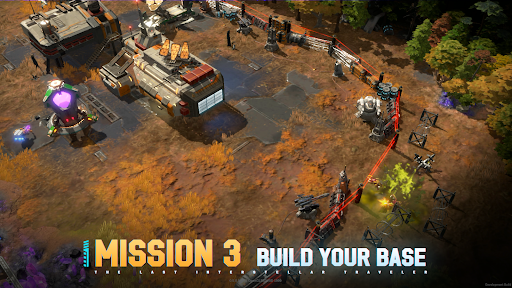
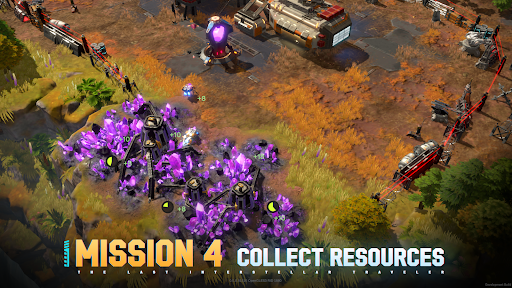
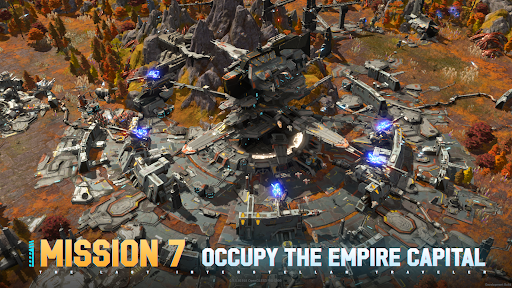
You take responsibility for a group of human survivors stranded on an unfamiliar planet. Building a safe settlement is only the beginning, as you must also explore the surrounding territories, gather valuable resources, develop your mechanical forces, and prepare for increasingly dangerous encounters. Every expedition brings new discoveries and opportunities to strengthen your position.
The story takes place in a distant future when Earth can no longer sustain human civilization. Facing the possibility of extinction, humanity launches the Interstellar Exodus campaign, sending countless spaceships into the universe in search of habitable worlds. Unfortunately, traveling through unknown regions of space comes with enormous risks, and many expeditions encounter unexpected disasters.
Your spacecraft eventually crashes on Charon, a mysterious planet filled with unfamiliar landscapes and hostile creatures. Cut off from Earth and lacking external assistance, you must take charge of the remaining crew and find ways to survive. What begins as an emergency rescue mission gradually develops into a larger undertaking: establishing a functioning base and creating a new home for humanity. Your leadership will determine whether the survivors can overcome the dangers of this distant world.
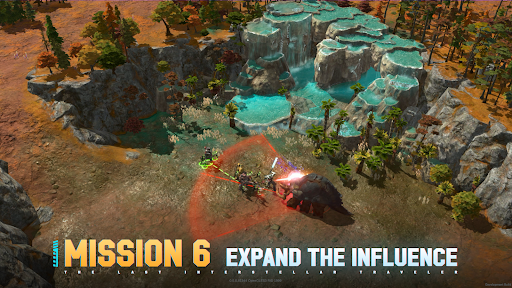
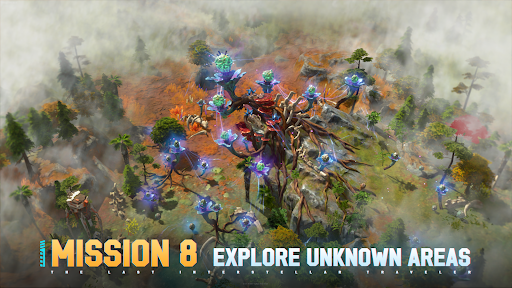
Planet Charon features a vast environment with several distinct regions waiting to be discovered. Your expeditions can take you through dry deserts, ancient forests, volcanic territories, and frozen landscapes. Each location offers different scenery and exploration opportunities, encouraging you to venture beyond the safety of your initial settlement.
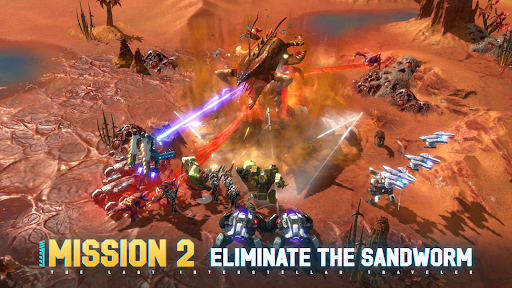
However, the planet is far from uninhabited. As you travel across its territories, you will encounter various alien life forms, ranging from aggressive insects to enormous sandworms and formidable monsters. These creatures can become serious threats, especially when you venture into unfamiliar areas without adequate preparation. Defeating them allows you to obtain valuable resources and rewards, which can support your future development and help you prepare for more difficult expeditions.
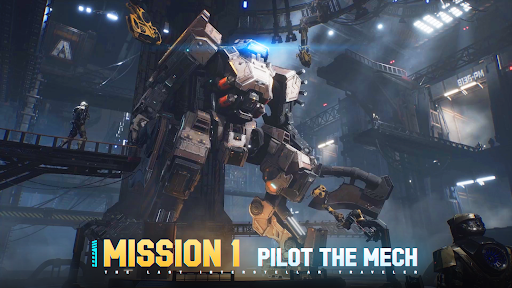
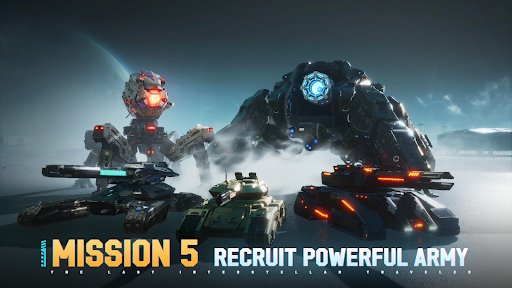
Surviving on Charon requires more than courage and basic equipment. The Last InterStellar Traveler introduces a collection of mechanical warriors, commonly known as mechs, that serve as your primary combat force. Each unit features a distinctive design, advanced technology, and specialized equipment, giving you multiple options when building your battle formation.
You can recruit different types of mechs to suit various combat situations. Some units focus on overwhelming firepower, while others specialize in long-range attacks or defensive support through protective shields. Understanding their individual strengths is essential when preparing for encounters with powerful alien enemies. By selecting suitable units and developing your squad, you can create a more balanced fighting force capable of handling different battlefield challenges.
Combat is an important part of your journey, with battles unfolding in real time rather than through simple turn-based exchanges. You must pay attention to enemy movements, assess the situation, and make tactical decisions as encounters develop. Choosing the right mechanical units and understanding their abilities can significantly influence the outcome of each confrontation.
The game also features Epic City Battles, a special multiplayer mode where you can cooperate with players from different parts of the world. These large-scale military campaigns place greater emphasis on teamwork and coordination, requiring participants to work together toward shared objectives. Successful operations can provide valuable rewards, giving you additional reasons to strengthen your forces and participate in group activities.
The Last InterStellar Traveler brings together science-fiction storytelling, alien exploration, mech collection, and real-time strategy. If you want to experience this interstellar journey on your Android device, you can obtain the installation package through APKMODY by following these steps:
Access APKMODY: Open a web browser on your Android phone and visit the APKMODY website.
Search for the game: Enter The Last InterStellar Traveler in the search field to locate its dedicated page.
Check the download details: Open the game listing and review the available APK version and relevant information.
Save the APK: Select the download option and wait for the installation file to finish downloading.
Install and launch: Find the saved file in your Downloads folder, open it, and follow Android’s installation instructions. If necessary, enable permission to install apps from your chosen source.