
Amazing Cultivation Simulator
v1.2.0
• Strategy
| Updated On | |
|---|---|
| Google Play ID | io.state.fight |
| Category | Strategy |
| Version | 4.6.0 |
| Size | 209 MB |
| MOD Features | Unlimited Money |
| Requires | Android 7.1 |
| Price | |
| Free | |
| Content Rating | |
| Everyone | |
| Internet Required | |
| Unknow | |

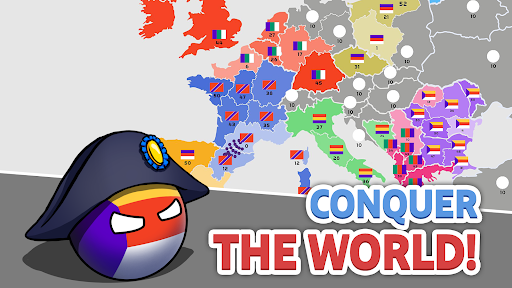
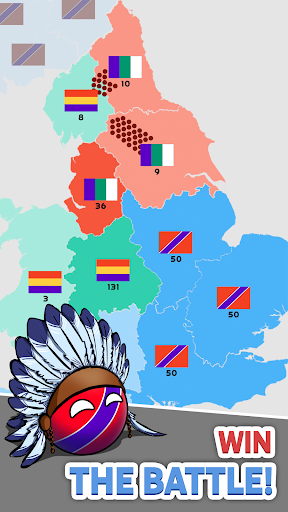
State.io is a fast-paced strategy game that challenges players to expand their influence by capturing territories and defeating rival armies. Its minimalist design makes the rules easy to understand, but winning consistently requires careful planning, resource management, and quick decisions. If you enjoy tactical challenges and competitive territory conquest, State.io offers an engaging experience that is easy to pick up and difficult to put down.
At the heart of State.io is a simple objective: control as much territory as possible while preventing opponents from taking over your bases. Each match places you on a map filled with neutral locations and enemy-controlled areas. You must send troops between bases, gradually expand your influence, and eliminate competing forces before they overwhelm your position.
However, attacking every available target is rarely a winning strategy. You need to consider the number of troops stationed at each location, the distance between bases, and the movements of opposing armies. A poorly timed attack can leave your territory exposed, allowing another player to seize the opportunity. This constant balance between expansion and protection gives every battle a tactical dimension.
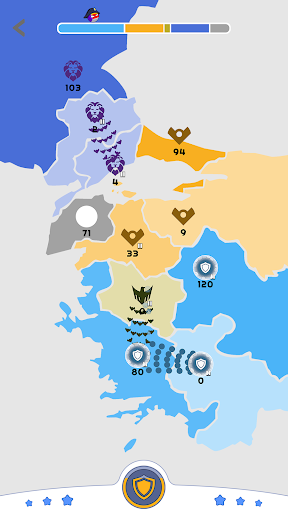
Each base generates troops over time, providing the resources needed to expand your territory. Your task is to decide where those units should go and when they should be deployed. Capturing neutral bases can strengthen your army, while attacking enemy positions helps reduce their influence and open new routes across the map.
Timing is particularly important when several battles happen simultaneously. Sending too many troops toward one target may weaken your remaining defenses, while dividing your army too widely can make individual attacks ineffective. Successful players learn to prioritize objectives, monitor troop numbers, and adjust their plans as the situation changes.
State.io gradually introduces more demanding challenges that test your ability to react under pressure. Opponents become more difficult to handle, and relying on the same opening strategy may no longer be enough. You need to recognize which areas are worth capturing, identify vulnerable enemy positions, and respond quickly when rival armies begin advancing.
The changing battlefield also encourages experimentation. Sometimes a direct attack is the best option, while other situations call for securing nearby neutral bases before confronting stronger opponents. Learning when to expand and when to consolidate your territory is essential to maintaining control.
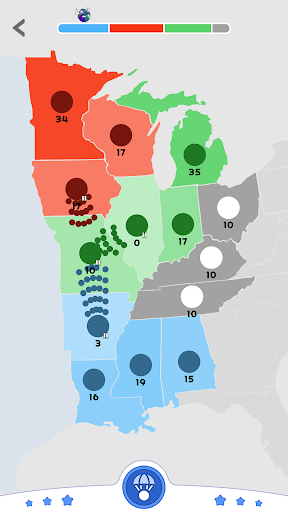
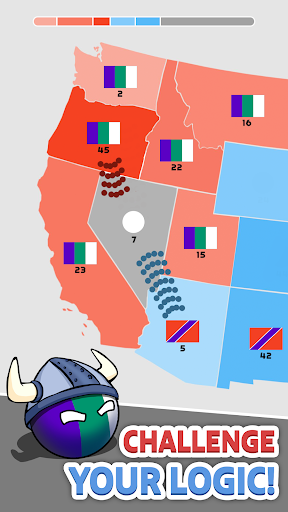
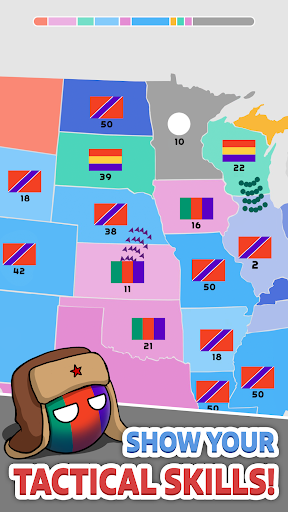
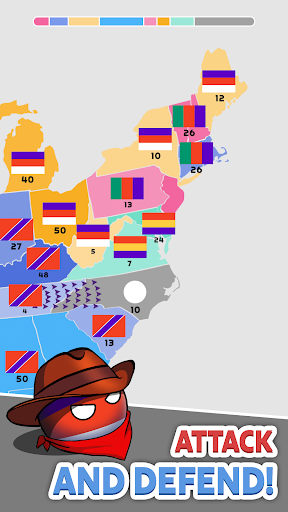
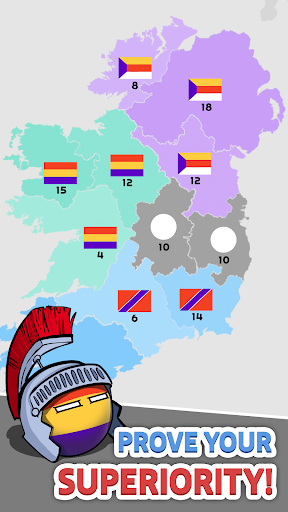
State.io uses a clean visual style that keeps the focus on strategy rather than complicated visual effects. Territories are represented by distinct colored areas, making it relatively easy to identify which locations belong to you, your opponents, or neutral forces. The interface also helps players follow troop movements and understand how the battle is developing.
Smooth animations make the action feel continuous without cluttering the screen. Combined with relatively short matches, this presentation makes the game suitable for quick gaming sessions. You can enjoy a tactical challenge during a short break without having to spend a long time learning complicated controls.
A strong opening can make a significant difference in State.io. Start by looking for nearby neutral bases with manageable troop requirements. Capturing these locations early increases your territorial presence and gives you additional bases from which to launch future attacks. Avoid immediately challenging heavily defended opponents when your army is still small.
As your territory expands, pay attention to how many troops remain at each base. Sending every available unit into one attack may leave important locations vulnerable to invasion. Keep track of enemy movements and look for moments when their forces are committed elsewhere. An opponent who spreads troops across several targets may leave a weaker position that you can capture.
Finally, do not focus exclusively on the number of territories you control. The quality of your expansion matters just as much. Prioritize locations that improve your position, maintain a reasonable defensive force, and change your approach whenever the battlefield develops differently from what you expected.
You can find the Android installation package through APKMODY by following this quick browser-based process: