home chevron_right Games chevron_right Simulation chevron_right My Mini Mart


My Little Pomodoro: Focus Time
v2.08
• Simulation
| Updated On | |
|---|---|
| Google Play ID | com.KisekiGames.smart |
| Category | Simulation |
| Version | 1.89.5 |
| Size | 287 MB |
| MOD Features | Free Upgrades |
| Requires | Android 7.0 |
| Price | |
| Free | |
| Content Rating | |
| Everyone | |
| Internet Required | |
| Unknow | |

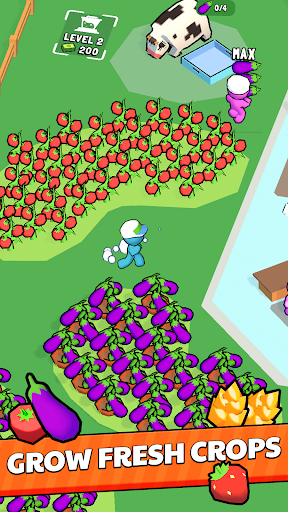
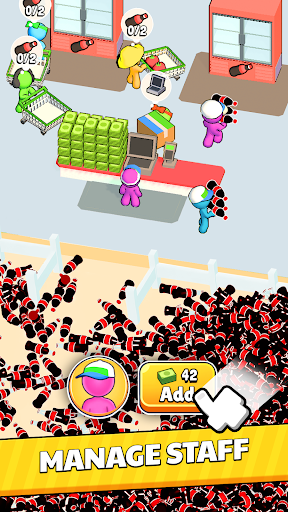
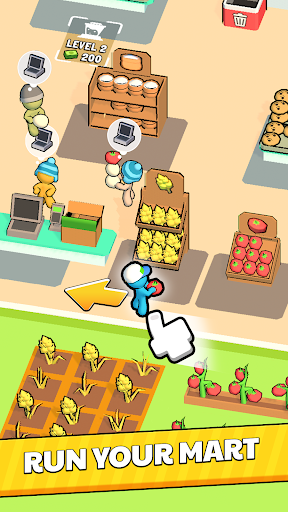
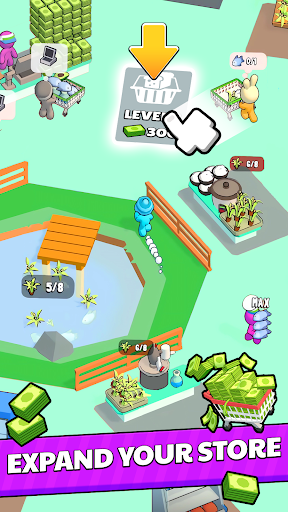
Stepping into My Mini Mart, you become the owner of a small grocery store, tasked with managing the business, serving customers, and gradually expanding your scale. From simple tasks like restocking goods and working as a cashier to strategies for growing a supermarket chain, every decision directly affects how you build your brand.
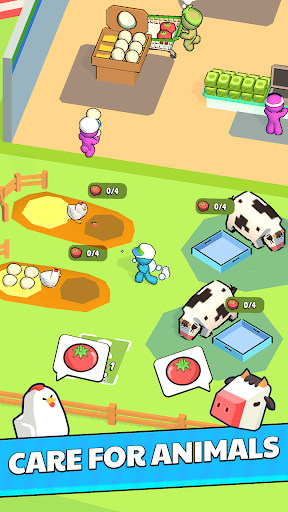
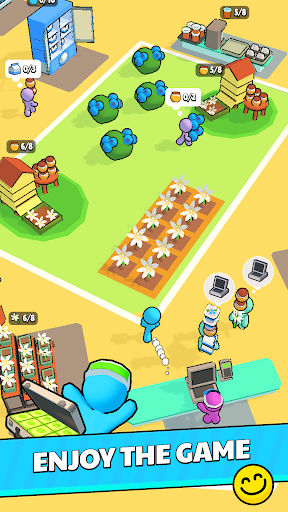
Instead of following the familiar simulation style with pixel graphics, the game opts for a minimalist 2D design. The characters are built from rounded shapes pieced together, giving them a quirky, somewhat unusual yet approachable look. This unique visual style creates its appeal right from the very first experience.
After starting to play, I noticed the game’s pace is quite gentle and doesn’t put heavy pressure on competition. However, behind these seemingly simple activities lies a series of management tasks that need to be organized sensibly. You have to directly take part in every operational step before you qualify to grow the store into a large-scale business system.
In the early days, you have to handle every task yourself because the store doesn’t yet have any staff to help.
Order goods and move products onto the shelves to serve customers.
Handle payments and process shopping orders directly.
Observe demand to choose suitable products.
Control inventory and restock best-selling products.
As the number of customers grows, you need to hire more cashiers, warehouse staff, and security guards to ease the workload. The capital you earn should also be allocated sensibly to important areas:
Upgrade the store and add more shelves and freezers.
Expand the range of food, drinks, and daily essentials.
Improve your staff’s working performance.
Balance operating costs to maintain profits.
In addition, you can develop your own supply source through farming and raising livestock, while also seeking out distributors with competitive purchase prices.
Once your first store is running steadily, you can invest in expanding the premises, building more warehouses, and opening new branches in new areas.
At this point, your management tasks also become more varied:
Track revenue and inventory at each branch.
Allocate staff and capital appropriately.
Maintain service quality and brand image.
Expand the market to many other cities.
Starting from a small store, you will build a sprawling retail network step by step and become a familiar brand to shoppers.
The MOD version supports your store’s growth, helping players save time when upgrading various items.
Version MOD adds several conveniences that make growing your store smoother. The standout features include:
Free upgrades: Helps improve your business items without spending resources like the regular version.
Shorter growth time: Reduces the grinding process so you can quickly expand your store’s scale.
Easy facility improvements: Conveniently upgrade your shelves and business areas.
Faster experience: Lets players focus on exploring management activities and developing the store chain.
My Mini Mart is an exciting choice for anyone who loves management and business simulation. The game blends restocking goods, serving customers, hiring staff, and expanding the store chain into one seamless journey. Download the game to Android to experience this fascinating startup journey for yourself.
Step | Instructions |
|---|---|
Step 1 | Visit the APKMODY website and type the keyword My Mini Mart into the search bar. |
Step 2 | Select the corresponding game page and check the version information for APK or MOD. |
Step 3 | Tap the download button, choose your desired version, then wait for it to finish. |
Step 4 | Open the APK file you just downloaded, and allow installing apps from this source if Android asks. |
Step 5 | Wait for the installation to finish, then open the game to start playing. |