home chevron_right Games chevron_right Simulation chevron_right Evertech Sandbox

Ultimate Fishing Simulator
v3.71
• Free Shopping
| Updated On | |
|---|---|
| Google Play ID | com.evertechsandbox |
| Category | Simulation |
| Version | 8.10.3656-android |
| Size | 199 MB |
| MOD Features | Free Purchase |
| Requires | Android 7.0 |
| Price | |
| Free | |
| Content Rating | |
| Everyone | |
| Internet Required | |
| Unknow | |

Evertech Sandbox is a creative construction game where your imagination determines what you can build, from unusual vehicles to complicated mechanical systems. Experiment with different materials, connect components, and turn simple blocks into extraordinary inventions. If you enjoy designing machines and testing unexpected ideas, discover what makes this game worth playing and download Evertech Sandbox on APKMODY.
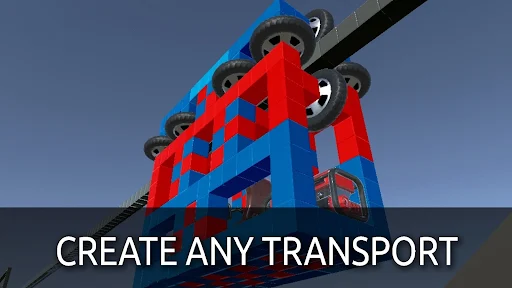
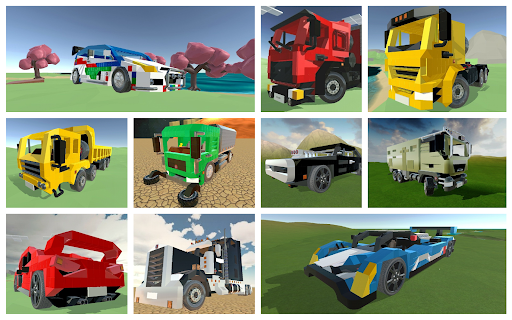
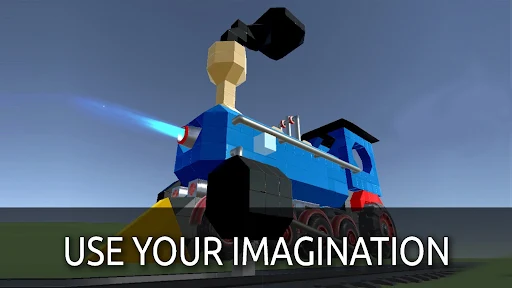
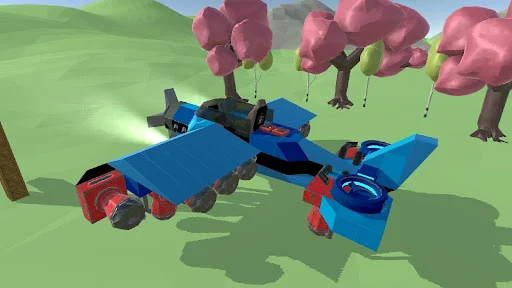
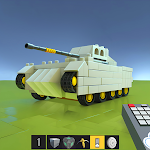
Evertech Sandbox is a construction simulation game that gives players the freedom to create machines using various building components. Instead of following a fixed storyline or completing repetitive missions, you can spend your time designing cars, elevators, trains, transforming robots, rockets, and countless other inventions.
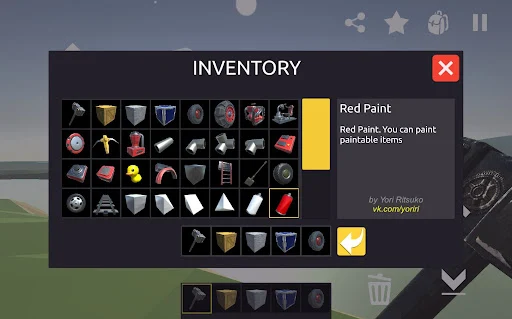
The game provides an extensive collection of components, including engines, wheels, mechanical joints, paint tools, and structural blocks. By combining these elements, you can bring complicated designs to life, experiment with different operating mechanisms, and discover unexpected results along the way.
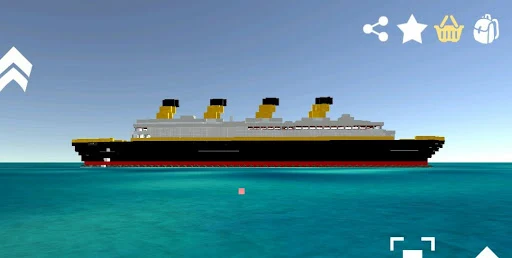
One of the most appealing aspects of Evertech Sandbox is the freedom to construct almost anything you can imagine. You might begin with a basic four-wheeled vehicle before moving on to helicopters, futuristic spacecraft, combat robots, or unusual machines that serve completely different purposes. There are no strict design requirements, so every creation reflects your personal approach.
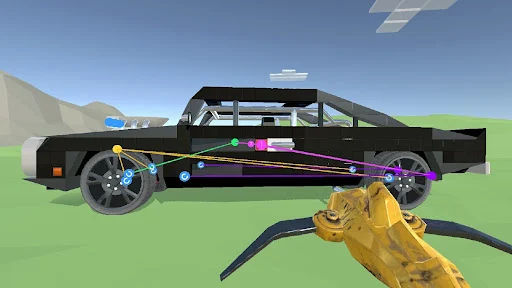
The building process is relatively straightforward thanks to the drag-and-drop controls. Select the necessary components, position them where you want, and connect everything to create a functional structure. Watching your first invention move, accelerate, or unexpectedly take off can be surprisingly satisfying, especially when an experimental design works better than expected.
Construction is only one part of the experience. Evertech Sandbox also encourages you to understand how different mechanical components interact. Engines, gears, transmission elements, and other moving parts can be combined to create systems that perform specific operations. However, getting everything to work smoothly requires careful positioning and repeated adjustments.
For example, you can experiment with an automatic ladder, a moving platform, or a mechanism that transfers objects between different locations. If the components are incorrectly connected, your machine might collapse or behave unpredictably. Rather than treating these mistakes as setbacks, use each test to identify problems, improve the arrangement, and develop more reliable designs.
Evertech Sandbox does not force you to follow predefined construction plans. You can modify existing creations, change their appearance, replace individual components, or completely rebuild a project whenever inspiration strikes. This freedom makes the game suitable for both beginners who enjoy simple designs and experienced players interested in complicated inventions.
Another useful feature is the path-drawing tool, which allows you to establish movement routes for selected mechanical elements. This opens up additional possibilities when designing automated structures, conveyor systems, and moving platforms. By adjusting these paths, you can control how certain parts travel instead of relying entirely on basic movement mechanisms.
A successful construction project depends on more than simply connecting components. Evertech Sandbox offers various building materials with different physical characteristics, giving you additional control over the strength, weight, and flexibility of your inventions.
Metal components are useful for creating sturdy structures, while lighter materials can help reduce the overall weight of vehicles. Flexible and elastic elements introduce further possibilities for experimental designs, although they may not withstand the same forces as more rigid alternatives. Choosing suitable materials for each section helps improve stability and makes your creations more practical.
You can also combine different materials to achieve specific results. For instance, a lightweight frame paired with stronger components around the engine may be more suitable for a flying vehicle than using heavy materials throughout the entire structure. Testing these combinations is an important part of discovering better construction techniques.
After completing a construction project, you need somewhere to see how it performs. Evertech Sandbox provides open environments where you can test vehicles, inspect mechanical systems, and observe how your inventions respond to different situations. These spaces give you room to experiment without being restricted by a traditional level-based progression system.
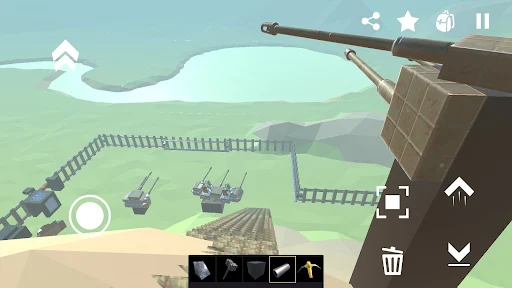
You can use the available surroundings to create challenging driving routes, experimental testing areas, or even battle-inspired scenarios for your machines. Collisions, structural damage, and unexpected mechanical failures also make testing more interesting. A vehicle might fall apart after hitting an obstacle, but the experience gives you an opportunity to reinforce weak sections and improve its design before the next attempt.
The MOD APK edition offers an additional advantage for players who want greater flexibility when accessing certain in-game resources. It can make experimentation more convenient, particularly when you want to focus on constructing larger projects without spending as much time collecting resources.
The Free Purchase modification allows you to obtain Diamonds through the in-game purchasing system without completing an actual monetary transaction. This gives you additional opportunities to explore available purchases and experiment with the game’s content.
Important note: Diamonds obtained through this modified feature are not connected to real-money transactions. The modification does not mean that you receive actual monetary value or legitimate payment benefits.
Ready to start building your own machines? Follow these steps to get the Evertech Sandbox MOD APK from APKMODY and prepare it for installation on your Android device.
Visit APKMODY: Open your browser and access the APKMODY website.
Find the game: Enter Evertech Sandbox in the search bar and select the corresponding game page.
Choose the MOD version: Review the available information and locate the MOD APK download option.
Download the file: Tap the download link and wait until the APK package is saved to your device.
Install the game: Open the downloaded file. If Android requests permission to install apps from that source, review the setting and allow it when appropriate.
Start playing: Complete the installation process, launch Evertech Sandbox, and begin creating your first invention.
You can buy Diamonds with real money. You get Diamonds without any connection to real transactions.