

Maneater
v1.4.4
• Action





| Updated On | |
|---|---|
| Google Play ID | com.fansipan.epic.stickman.survival.rpg.idle.game |
| Category | Action |
| Version | 1.0.92 |
| Size | 296 MB |
| MOD Features | Unlimited Money |
| Requires | Android 9 |
| Price | |
| Free | |
| Content Rating | |
| Teen | |
| Internet Required | |
| Unknow | |

Epic Stickman combines idle combat, resource management, and character progression in an entertaining stickman adventure. Developed by Fansipan Limited, this free-to-play game features automated battles, impressive attack animations, and a variety of upgrades to help your character become stronger. With offline progression and a rewarding development system, Epic Stickman offers plenty of reasons to keep coming back.
Epic Stickman is available for Android and iOS through Google Play and the App Store. One convenient feature is its offline functionality, allowing you to enjoy battles without maintaining a constant internet connection. However, certain online services, including in-game item features, still require internet access.
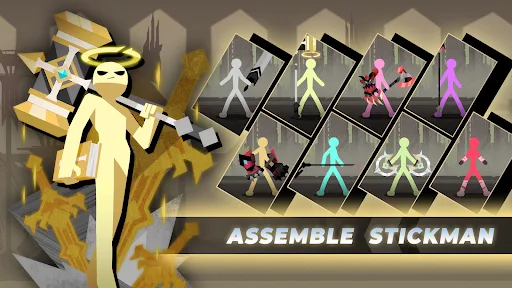
Epic Stickman uses a simple 2D visual style presented in a vertical screen layout. The interface is divided into two main sections: the upper half displays combat activities, while the lower portion contains character upgrades, statistics, and functional buttons. As its name suggests, all characters follow a recognizable stickman design, keeping the visual presentation clean and easy to understand.
Although the character models are relatively minimalistic, the game introduces different environmental backgrounds to maintain visual variety. Each new level features scenery that matches its setting, giving players a slightly different visual experience as they advance. This straightforward art direction also ensures that the combat animations remain the main attraction rather than being overshadowed by complicated backgrounds.
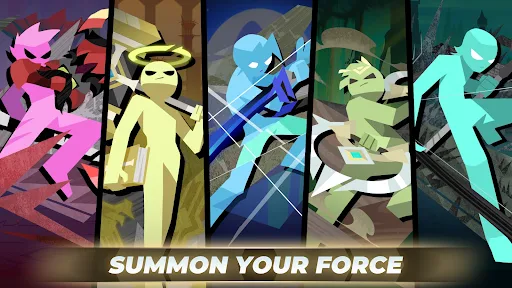
Animation is arguably one of Epic Stickman’s most noticeable strengths. Since the game focuses heavily on hack-and-slash combat, attack movements play an important role in making battles visually satisfying. Every sword swing, slash, and powerful strike features carefully designed motion that gives attacks a strong sense of impact.
The developers also pay attention to character positioning during combat. Different attacks use appropriate body movements, while transition animations help connect one action to another naturally. This creates smoother sequences and prevents movements from appearing disconnected or poorly synchronized. Visual effects are also timed to match individual attacks, making even relatively simple battles entertaining to watch.
Another interesting visual feature is the ragdoll physics mechanism. Whenever a human character is defeated, the impact sends their body flying across the battlefield. This effect applies to your own character as well as enemies, creating some unexpectedly funny situations.
Instead of maintaining fixed character movements, the game temporarily switches to physics-based calculations after a character is launched. Different body parts, including the arms, legs, head, and torso, respond independently to physical forces. As a result, defeated characters can fall or fly into unusual positions, adding a humorous touch to the otherwise action-focused gameplay.
Epic Stickman follows an idle combat structure, meaning you do not need to control every attack manually. Battles take place automatically, with enemies appearing throughout the stage while your character independently approaches and attacks nearby opponents. Your primary responsibility is to improve the character’s statistics through the upgrade interface at the bottom of the screen.
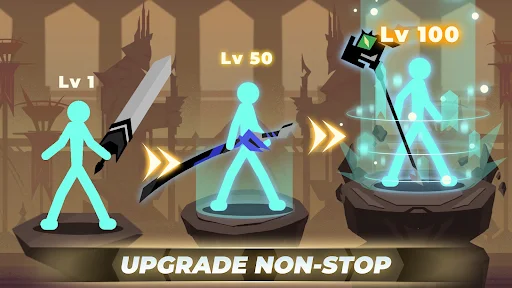
These improvements directly affect combat performance, allowing your stickman to deal more damage, survive stronger attacks, and eliminate enemies more efficiently. As you progress, you must regularly invest accumulated resources in suitable attributes to keep pace with increasingly difficult opponents.
Although most combat actions are automated, skills provide an additional level of control. The game includes an Auto feature that allows your character to activate available abilities whenever their cooldowns finish. You can disable this option and manually trigger skills by tapping their corresponding interface buttons.
Automatic activation is generally convenient for ordinary encounters, allowing you to concentrate on resource management and character development. However, manual activation can become useful during particularly challenging battles, where choosing the right moment to use an ability may determine the outcome.
One of the most convenient features in Epic Stickman is its offline reward system. Since combat and resource collection are largely automated, you might initially think that keeping the game running continuously is necessary to maximize progression. Fortunately, that is not the case.
When you leave the game, its offline calculation system continues to track the resources your character would have accumulated during your absence, subject to the game’s reward limits. The next time you log in, these rewards are automatically delivered to your account. This means you can close the application, save battery life, and return later without losing all the progress associated with idle resource collection.
For players interested in a different progression experience, the MOD version introduces an additional feature that changes how resources are managed. Instead of relying entirely on the standard resource collection process, you can access an expanded supply of in-game currency.
<badge color=”success”>Unlimited Money</badge>
Unlimited Money: Provides an unlimited supply of in-game money, making it easier to purchase upgrades and improve your character’s attributes.
With this modification, you can spend more time experimenting with different upgrade combinations rather than repeatedly collecting resources. However, MOD functionality may vary depending on the game version and device compatibility.
Ready to experience automated stickman battles with additional resources? Follow this guide to find Epic Stickman MOD APK on APKMODY and install it on your Android device.
Visit the APKMODY website using your Android browser.
Search for Epic Stickman MOD APK to locate the corresponding game page.
Open the download section and review the available MOD version and its features.
Select the download link and wait for the installation file to finish downloading.
Open the APK file through your notification panel or file manager.
If Android requests permission, enable installation from the selected source and continue.
Launch the game after installation to explore its features.