Hunting Simulator 4×4
v1.51
• Unlimited Money
| Updated On | |
|---|---|
| Google Play ID | com.hyperkani.bomberfriends |
| Category | Action |
| Version | 6.31 |
| Size | 195 MB |
| MOD Features | Unlocked Skins |
| Requires | Android 7.0 |
| Price | |
| Free | |
| Content Rating | |
| Everyone 10+ | |
| Internet Required | |
| Required | |
| Languages | |
| English | |

Bomber Friends brings the classic bomb-placing formula into a colorful arena where quick reactions and clever tactics determine who survives. Explore different islands, collect powerful upgrades, challenge online opponents, and enjoy several competitive modes with friends or solo. Download Bomber Friends from APKMODY to experience explosive matches and entertaining challenges on Android.
Released on September 2, 2014, Bomber Friends is a multiplayer action game developed by Hyperkani. Inspired by classic Bomberman gameplay, it combines maze exploration, strategic bomb placement, and survival challenges. Players can enjoy solo adventures, online competitions, and matches with friends.
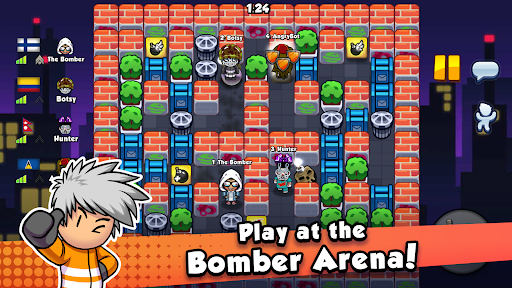
The objective is simple: eliminate opponents with strategically placed bombs while avoiding incoming explosions. Use the virtual joystick to move and the action button to drop explosives. Each arena contains obstacles and destructible objects, requiring you to plan attack routes carefully. The last surviving player wins, so timing and positioning are essential.
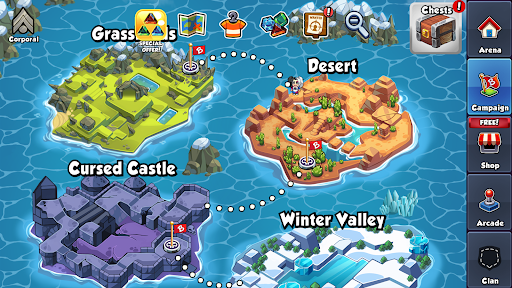
Your adventure starts in Glasslands before expanding into destinations such as Cursed Castle, Desert, Winter Valley, Robot Dominion, and Medieval Kingdom. Each location features distinctive visuals and battlefield layouts, encouraging players to adapt their strategies as they progress.
Power-ups provide useful advantages during matches, from increased movement speed to stronger explosions. The main items include:
| Item | Function |
|---|---|
| Flame | Extends bomb explosion range. |
| Shoes | Increases movement speed. |
| Bombs | Raises the number of explosives you can place. |
| Shield | Grants temporary invulnerability. |
| Skulls | Applies negative effects to your character. |
Choose upgrades according to the battlefield situation. Extra flames help control narrow passages, while faster movement makes escaping dangerous areas easier. Be careful with skull effects, as they can interfere with your movement at critical moments.
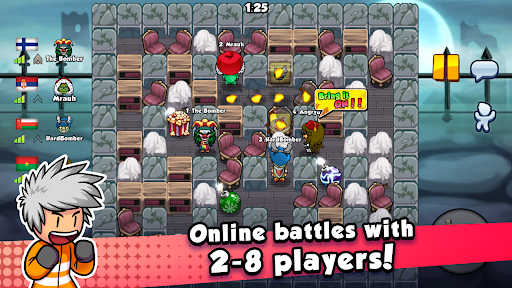
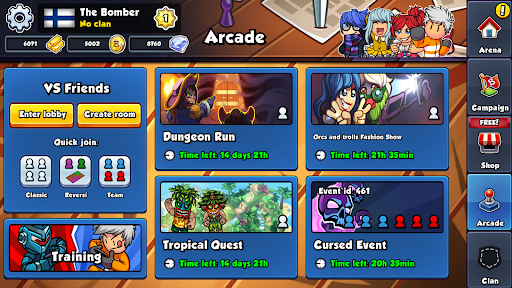
Online Multiplayer: Compete against real players worldwide in arenas supporting different player counts.
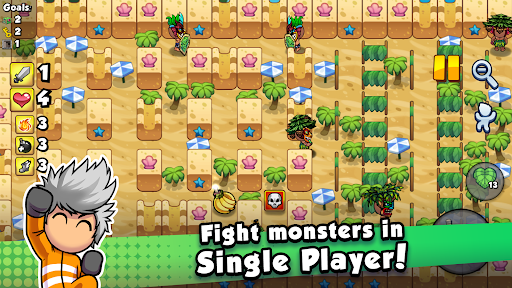
Adventure Mode: Explore individual stages, defeat monsters, and unlock further challenges.
Reversi Tournament: Use paint bombs to cover the largest possible area before time runs out.
Team Battle: Cooperate with teammates to eliminate the opposing group through coordinated attacks.
Classic Mode: Enjoy traditional Bomberman-style survival matches against three opponents.
Bomber Friends features vibrant 2D environments, cartoon-inspired characters, and playful explosion effects. Its colorful islands and destructible obstacles create an entertaining atmosphere without making the battlefield difficult to read.
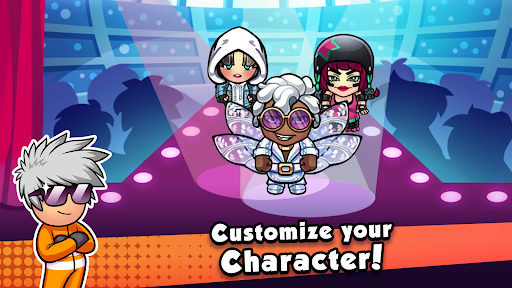
You can also personalize your character with different skins. These cosmetic options add personality to your appearance while keeping the focus on strategic gameplay.
The modified edition provides additional character customization options.
MOD Feature:
Unlocked Skins: Access extra character appearances without completing the usual unlocking requirements.
Note: Online multiplayer may not function correctly in the MOD edition. Use the official version for a more reliable online experience.
Getting the game onto your device takes just a few steps: