home chevron_right Games chevron_right Tower Defense chevron_right Bloons TD 6

Plants vs. Zombies Heroes
v1.67.8
• Unlimited Suns
| Updated On | |
|---|---|
| Google Play ID | com.ninjakiwi.bloonstd6 |
| Category | Tower Defense |
| Version | 57.4 |
| Size | 109 MB |
| MOD Features | Unlimited Money, Unlocked |
| Requires | Android 8.0 |
| Rating Score | |
| Price | |
| $6.99 | |
| Content Rating | |
| Everyone | |
| Internet Required | |
| Required | |
| Languages | |
| English, Danish, Finnish, French, German, Italian, Japanese, Korean, Norwegian Bokmål, Portuguese, Russian, Simplified Chinese, Spanish, Swedish, Traditional Chinese, Turkish | |

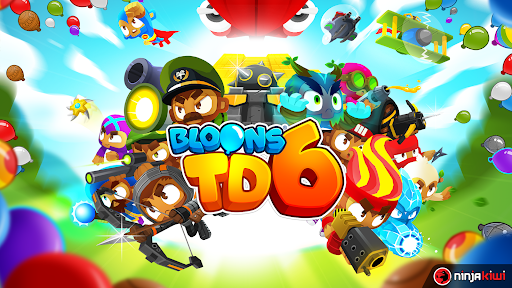
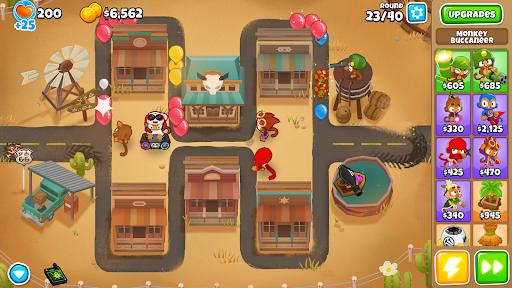
Bloons TD 6 takes the classic tower defense formula to another level with colorful 3D visuals, a large collection of monkey defenders, and increasingly demanding enemy waves. Developed by Ninja Kiwi, the game challenges you to build effective defenses before the invading Bloons reach the end of each map. Every round requires careful planning, smart resource management, and the right combination of towers to protect your territory.
At its core, Bloons TD 6 is about defending a path from waves of colorful balloons known as Bloons. Although the concept sounds simple, each stage introduces new threats that require players to adjust their tactics. Stronger Bloons can withstand more damage, while certain enemy types demand specific defensive abilities.
The game follows the ongoing conflict between monkeys and the invading Bloons. Your mission is to prevent these enemies from reaching the exit by placing defensive towers along their routes. Each tower has a specific attack style, so choosing the right position and combination is essential.
As the waves become more challenging, basic defenses may no longer be enough. You need to monitor enemy movement, identify weaknesses, and invest in upgrades at the right moment. A well-planned setup can handle multiple waves, while poor placement may leave dangerous gaps in your defense.
The gradual increase in difficulty keeps every match engaging. Instead of relying on one fixed strategy, players must experiment with different tower combinations to overcome each map.
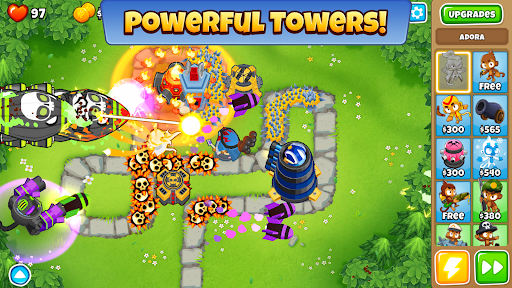
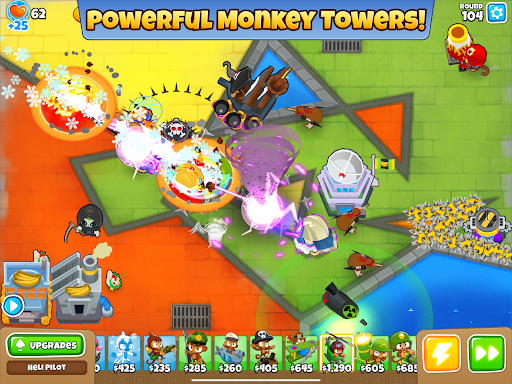
Bloons TD 6 features a diverse cast of monkey towers, each designed for a different combat role. Some specialize in rapid attacks, while others use fire, freezing effects, explosives, or support abilities to control enemy movement.
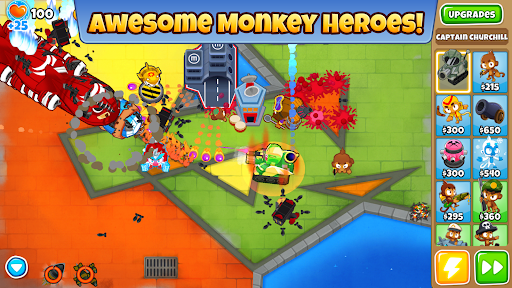
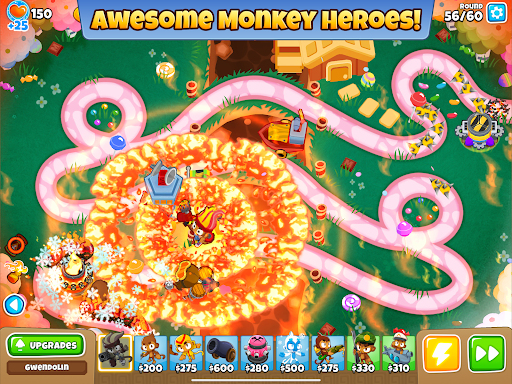
Heroes stand out because of their unique skills and automatic progression during battles. Unlike standard towers, each hero offers a distinct playstyle and can become a valuable centerpiece of your defense. You can choose one hero per match, so selecting a character that complements your overall strategy is important.
Regular towers also have multiple upgrade paths. Investing in the right improvements can increase attack speed, expand range, unlock special attacks, or provide useful support to nearby units. Combining these abilities allows you to build a defense suited to the challenges ahead.
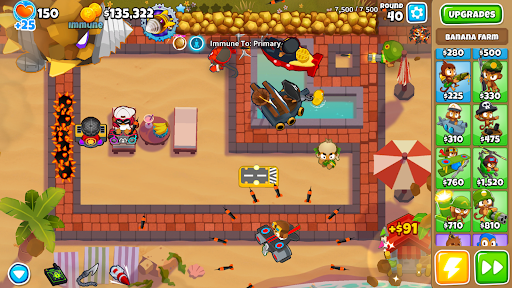
Tower development is one of the most important parts of Bloons TD 6. Each monkey tower offers three upgrade paths, giving players several ways to improve its performance. You can focus on raw damage, specialized attacks, or abilities that support the entire defensive formation.
The game also includes Powers and Monkey Knowledge to add more strategic options. Powers provide useful effects during difficult situations, while Monkey Knowledge offers long-term bonuses that strengthen your overall approach. These systems encourage experimentation instead of depending on a single combination throughout the game.
Bloons TD 6 offers more than standard wave-based matches. Its additional modes introduce new objectives, competitive elements, and opportunities to play with friends.
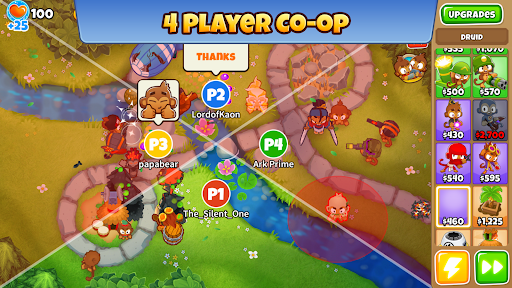
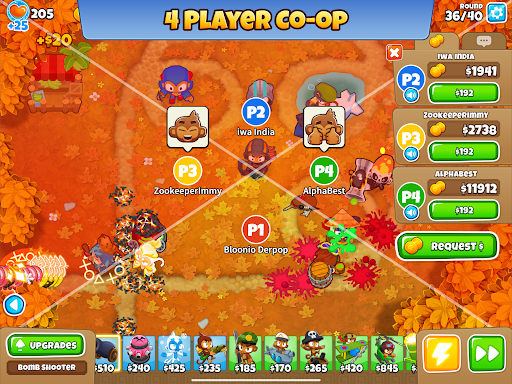
Co-op Mode: Team up with up to three other players in a four-player match. You can cooperate on different maps and coordinate tower placements to handle incoming waves.
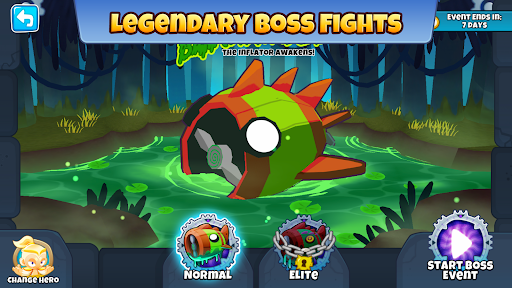
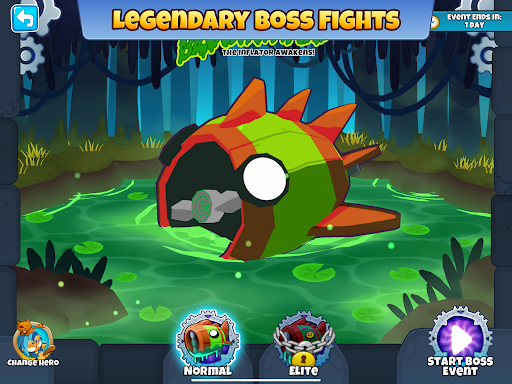
Boss Events: Face powerful boss Bloons that require stronger defenses and carefully timed upgrades.
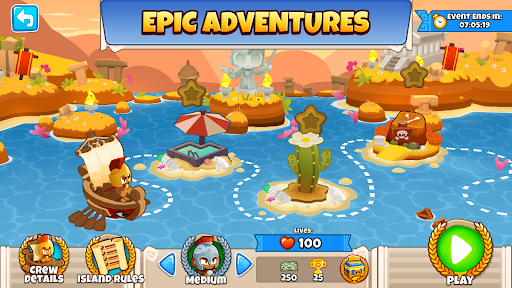
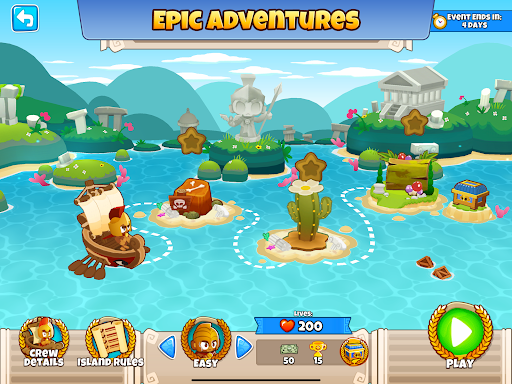
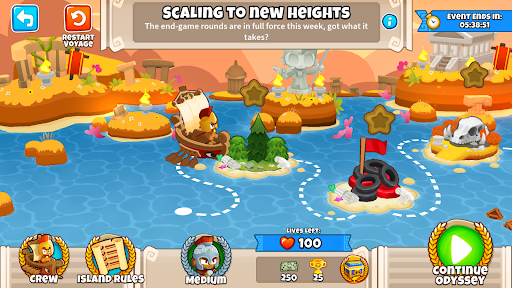
Odysseys: Take on a series of three to five maps with connected challenges. Each completed stage brings you closer to the final rewards.
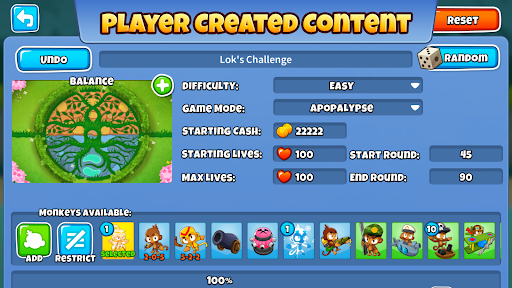
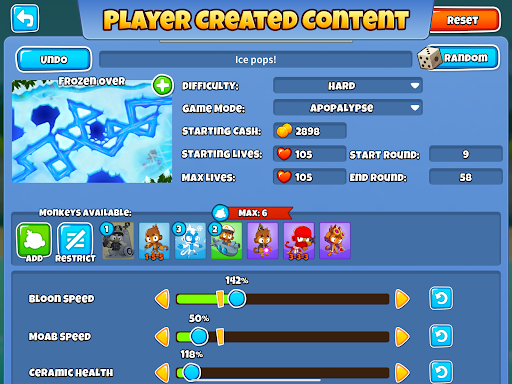
Custom Challenges: Create your own battles by adjusting settings such as starting cash, health, map selection, and difficulty conditions.
Trophy Store: Spend earned trophies on cosmetic items, including character skins, Bloon appearances, avatars, and other customization options.
These modes give experienced players additional goals while helping newcomers explore different approaches to tower defense.
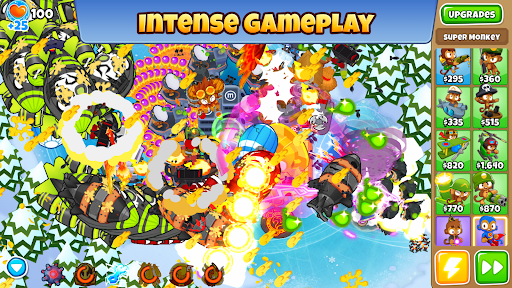
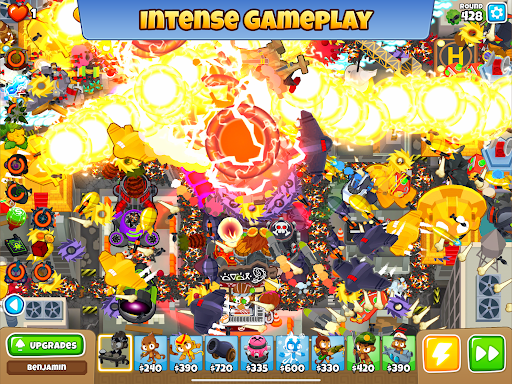
One of the most noticeable improvements in Bloons TD 6 is its 3D presentation. Monkey characters, towers, and Bloons feature bright designs with smooth animations that make battles easy to follow. Attacks, explosions, and special abilities also come with visual effects that add excitement to each encounter.
The sound design supports the action with distinct effects for tower attacks, balloon pops, and other in-game events. Together, the visuals and audio create a lively atmosphere without taking attention away from the tactical decisions.
With a wide selection of maps, Bloons TD 6 offers different layouts that influence how you build your defenses. Some paths provide convenient positions for long-range towers, while others require more careful placement to cover multiple routes.
Progression introduces tougher Bloons, larger enemy waves, and powerful boss encounters. This gradual difficulty curve encourages you to improve your tower combinations and make better use of available resources. Learning the layout of each map is just as important as choosing strong units, especially when attempting more demanding challenges.
The MOD version offers additional in-game advantages for players who want to experiment with tower combinations and upgrades more freely. Its listed modifications focus on reducing some resource limitations.
Unlimited Money: Provides an expanded in-game currency supply, allowing you to purchase towers and upgrades without following the usual earning pace.
Unlocked: Gives access to unlocked content included in the modified package, although the exact availability may depend on the version.
Modified APK files are unofficial releases and may differ from the original game. Online features, updates, and compatibility are not guaranteed.
What is the difference between Bloons TD 6 and Bloons TD 6+?
Bloons TD 6+ is the Apple Arcade edition of the game. It offers the core tower defense experience found in the standard release, but updates may arrive on a different schedule due to the platform’s review process.
Is Bloons TD 6 free to download on mobile?
The standard version is a paid game on supported mobile app stores. The listed price may vary depending on the platform and region. Once purchased, eligible game updates are generally provided without an additional purchase fee.
Why can’t I join a co-op match with friends?
Version differences are one possible reason. Make sure every player has a compatible game version and a stable internet connection. If the issue continues, restart the game and check whether the multiplayer service is available.
You can find the Bloons TD 6 APK package through APKMODY. Before installing, check the file details carefully and make sure the version is compatible with your Android device.
For a smoother setup, use this installation guide:
Open APKMODY in your browser and search for Bloons TD 6.
Compare the available APK and MOD versions, then review their descriptions before choosing a package.
Download the selected file and wait for the process to finish.
Open your device’s file manager, locate the downloaded APK, and tap it to begin installation. If Android requests permission, allow installation from that source.
Once installation is complete, launch the game and check whether it runs properly.