home chevron_right Apps chevron_right Health & Fitness chevron_right Relaxing Music: Sleep Sounds


Start Running. Zero to 5K
v26.09.14
• Premium



| Updated On | |
|---|---|
| Google Play ID | com.dreamstudio.relaxingmusicsleepsounds |
| Category | Health & Fitness |
| Version | 14.4 |
| Size | 103 MB |
| MOD Features | Premium |
| Requires | Android 7.0 |
| Price | |
| Free | |
| Content Rating | |
| Everyone | |
| Internet Required | |
| Unknow | |

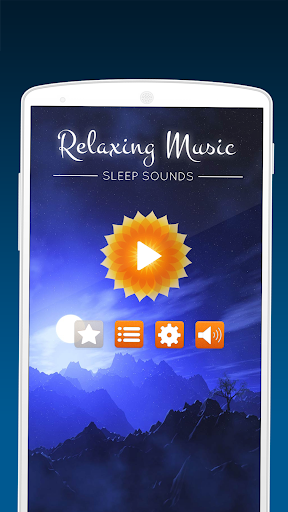
Relaxing Music: Sleep Sounds is a relaxation and sleep-focused app designed to provide calming audio for quiet moments, bedtime routines, meditation, and rest. It brings different types of soothing sounds into one convenient mobile experience, allowing users to create a more peaceful listening environment whenever they need a break. With simple audio options and an easy-to-follow approach, the app can become part of a personal routine for winding down after a busy day or preparing for sleep.
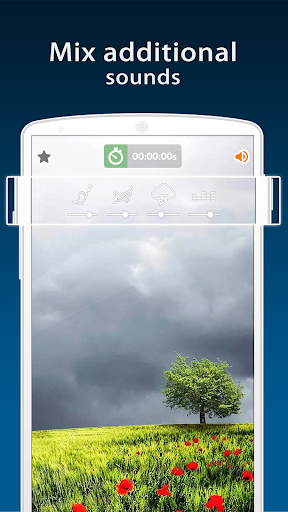
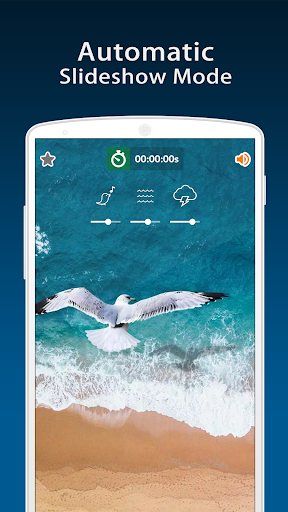
Relaxing Music: Sleep Sounds focuses on creating a comfortable sound environment rather than requiring users to actively interact with the app. Background music and relaxing sounds can play while users read, rest, meditate, or prepare for bedtime. This makes the app suitable for people who prefer having gentle audio in the background during quiet activities.
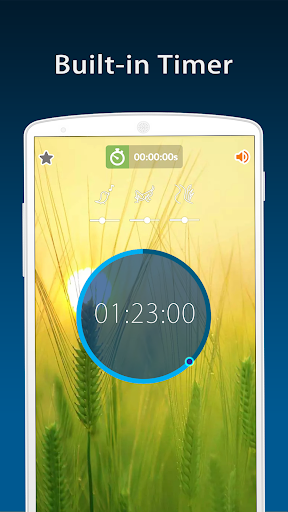
The app can be used at different times of the day depending on personal preferences. Soft sounds may accompany a short relaxation break, while longer sessions can become part of an evening routine. Users can experiment with different audio options to find the atmosphere that feels most comfortable for them.
A consistent background sound can help make a room feel quieter and more comfortable, especially when there are occasional distractions around you. The app provides an alternative to leaving random videos or music playing when you simply want a calm audio environment.
Relaxing Music: Sleep Sounds is designed around convenience. Instead of creating a playlist manually every time, users can open the app and choose a suitable sound for their current activity. This simple approach makes it easy to incorporate relaxing audio into a regular routine.
Relaxing audio can be included in a consistent bedtime routine. Users can play gentle sounds while preparing for bed or during a quiet period before turning off their devices. Keeping the volume comfortable is important, particularly when listening through headphones for extended periods.
The app can also accompany meditation, breathing exercises, reading, or other quiet activities. A suitable background sound may help create a clear transition from a busy period to a more relaxed one. However, individual responses to particular sounds can vary, so users may need to try several options before finding a preferred listening style.
Start by selecting a relaxing track or sound that matches your current mood. Adjust the volume to a comfortable level and place your device somewhere convenient. For bedtime, choose a quieter sound and avoid setting the volume unnecessarily high.
If you use the app regularly, consider making it part of a consistent evening routine. You can also combine relaxing sounds with other healthy sleep habits, such as keeping the bedroom comfortable and reducing unnecessary distractions before bedtime.
Relaxing Music: Sleep Sounds provides a straightforward way to add calming audio to everyday relaxation and bedtime routines. Its focus on soothing music and background sounds makes it suitable for quiet activities such as meditation, reading, resting, or preparing for sleep. While audio alone cannot guarantee better sleep, a consistent and comfortable listening environment can complement an established routine. For users who enjoy gentle background sounds, the app offers a convenient option for creating a more peaceful atmosphere throughout the day.