
Moon VPN
v31.12026m
• No Ads
| Updated On | |
|---|---|
| Google Play ID | sharefiles.sharemusic.shareapps.filetransfer |
| Category | Utilities |
| Version | 2.1.2.4 |
| Size | 15 MB |
| MOD Features | Pro Unlocked |
| Requires | Android 6.0 |
| Price | |
| Free | |
| Content Rating | |
| Everyone | |
| Internet Required | |
| Required | |
| Languages | |
| English | |

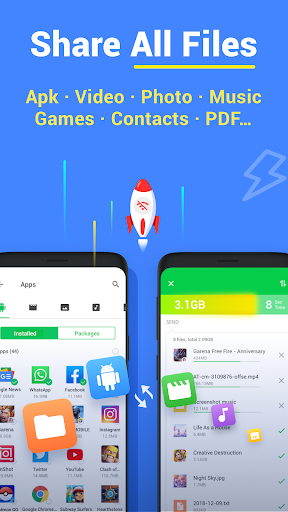
Inshare MOD APK offers a convenient way to move photos, videos, documents, and other files between compatible devices without relying on traditional sharing methods. Developed by InShot Inc., the application focuses on quick transfers, straightforward controls, and flexible connectivity. Explore its main features and discover how it simplifies everyday file sharing.
Sending a memorable video to a friend, moving photos to a new phone, or transferring work documents between devices should not require several complicated steps. Yet, conventional methods often come with frustrating limitations. Bluetooth transfers may take too long, while sharing through social platforms usually depends on an internet connection and may involve file-size restrictions or compression.
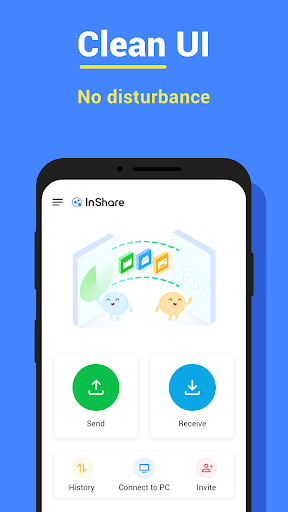
Inshot Inc. developed Inshare to make this process more straightforward. Instead of uploading every file to a social network or relying on slow wireless connections, users can transfer content directly between supported devices. Its accessible interface also makes the application suitable for people who regularly exchange different types of digital content.
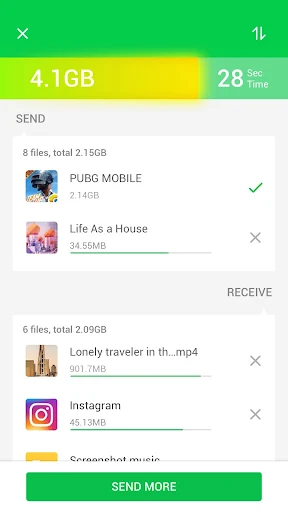
Speed is one of Inshare’s main attractions. The application is designed to transfer files between nearby devices more efficiently than traditional Bluetooth sharing, making it useful when handling large collections of photos, lengthy videos, or multiple documents. The exact transfer rate depends on device compatibility, connection quality, and file size, but the streamlined process helps reduce unnecessary waiting.
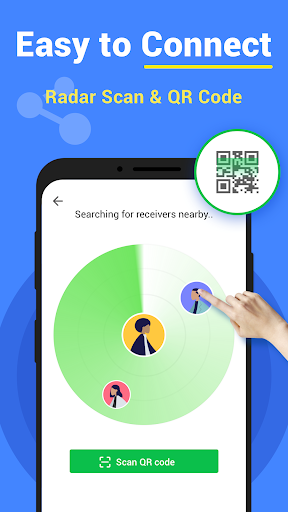
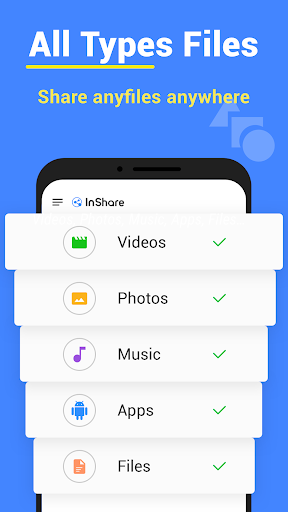
Inshare also supports various file formats, including images, videos, music, and documents. Users do not need to send each item individually because multiple files can be selected for a single transfer. QR-code scanning and generation provide another convenient way to connect devices, reducing the effort required to locate and pair them manually.
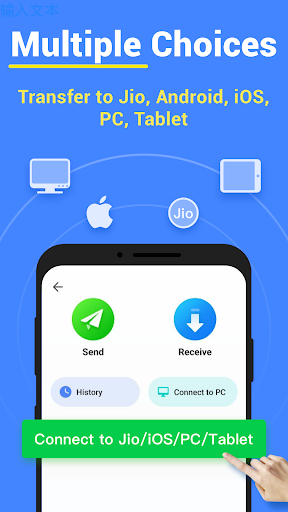
File sharing becomes more practical when it works across different operating systems. Inshare supports connections involving Android, iOS, Windows, and Mac devices, although available functions may differ depending on the platform and application version. This flexibility is particularly useful for people who frequently move content between smartphones and computers.
The application also provides tools for reviewing transfer history and checking data usage. These records help users keep track of previously shared content without having to search through individual conversations or folders. With multilingual support and a relatively straightforward layout, navigating its features should be manageable for a broad range of users.
An unstable internet connection should not always prevent users from exchanging files. Inshare supports offline transfers between compatible nearby devices, allowing users to share content without depending on mobile data or a Wi-Fi connection with internet access. This feature is especially useful when traveling, working in locations with weak signals, or trying to avoid unnecessary data consumption.
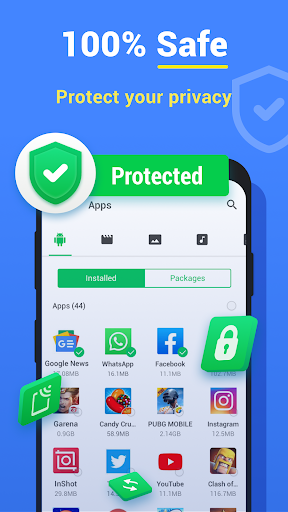
Privacy is another important consideration when transferring personal information. Inshare incorporates security measures intended to protect file exchanges, while its direct-sharing approach reduces the need to upload content to public social platforms. However, users should still verify the receiving device before sending sensitive documents and check the application’s current privacy information for details about its protection methods.
The modified edition advertises access to Pro features, giving users an alternative way to explore premium functionality. The actual benefits depend on the specific MOD build, so individual tools or unlocked options may differ between releases. Since modified packages are not official distributions from the developer, review the file source and requested permissions before installation.
If you want to try Inshare on an Android device, start by checking the version information and package compatibility on APKMODY. Once you have selected a suitable release, follow this short installation walkthrough: Open your Android settings and locate the option for allowing installations from unknown sources.
Enable permission for the browser or file manager you intend to use, then return to APKMODY and download the Inshare APK package. When the download finishes, open the file from your device’s download folder and review the installation prompt. After Android completes the process, launch Inshare, grant only the permissions required for its features, and connect it with another compatible device to begin sharing files.